Enjoy free shipping on orders over $49

Our processing time for orders may take up to 24-48 hours. Once processed, the estimated delivery time can take anywhere from 1-5 business days depending on the shipping destination.

FREE SHIPPING* on all orders over $49 in Canada !All orders under $49, the cost of shipping is only $7.95! *Free shipping is not available when the shipping address is a remote location.More >>

Enjoy free shipping on orders over $49

Our processing time for orders may take up to 24-48 hours. Once processed, the estimated delivery time can take anywhere from 1-5 business days depending on the shipping destination.

FREE SHIPPING* on all orders over $49 in Canada !All orders under $49, the cost of shipping is only $7.95! *Free shipping is not available when the shipping address is a remote location.More >>

43215

Loading...

Loading...

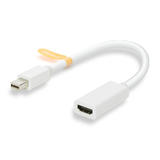
PrimeCables® Mini DisplayPort to HDMI Female Adapter Cable with Audio Support

Connect Mac, MacBooks, PC laptops to monitors, TV / HDTVs, projectors

PrimeCables Ada 5311 Thunderbolt Cable Adapters PrimeCables Mini DisplayPort Thunderbolt to HDMI Female Adapter Cable with Au
  • PrimeCables Ada 5311 Thunderbolt Cable Adapters PrimeCables Mini DisplayPort Thunderbolt to HDMI Female Adapter Cable with Au
  • PrimeCables Ada 5311 Thunderbolt Cable Adapters PrimeCables Mini DisplayPort Thunderbolt to HDMI Female Adapter Cable with Au
  • PrimeCables Ada 5311 Thunderbolt Cable Adapters PrimeCables Mini DisplayPort Thunderbolt to HDMI Female Adapter Cable with Au
  • PrimeCables Ada 5311 Thunderbolt Cable Adapters PrimeCables Mini DisplayPort Thunderbolt to HDMI Female Adapter Cable with Au
  • PrimeCables Ada 5311 Thunderbolt Cables Thunderbolt Mini DisplayPort to HDMI Adapter w Audio Support PrimeCables
  • PrimeCables Ada 5311 Thunderbolt Cables Thunderbolt Mini DisplayPort to HDMI Adapter w Audio Support PrimeCables
Share
  • Model#: Ada-5311
  • $8.95
    PLUS Exclusive How to get this PLUS Exclusive Price? LIMITED TIME
    : :
    Earn 179 S-Points Rewards
    What are Bonus points and how do I earn them?

    Bonus points are offered as part of our Shopper+ S-points Club program and can be collected on the purchase of most items sold on our web sites, Earn 20 S-Points for every 1 dollar spent on our websites or make use of our promotions.

    Note: the total s-points offered on individual items may be affected by other offers or discounts in your cart.

    learn more about S-Points Club

    Free Shipping
    Limited Quantity:

    Due to the delivery issue, limiting the quantity of the products to the single order and you may add the remaining items in a following order.

    On Sale:

    Products offered for purchase at a reduced price normally for a limited period. (Coupons do not apply to on sale products.)

    On Sale Limited Quantity:

    Products offered for purchase at a reduced price normally for a limited period. (Coupons do not apply to on sale products.)

    OEM:

    Are products made by the Original Equipment Manufacturer under its own name and branding. OEM products take on the warranty of the manufacturer and not of the vendor. (Coupons do not apply to OEM products.)

    Best Value:

    Products already priced at our best everyday value. (Coupons do not apply to Best Value products.)

    Holiday:

    Holiday items may not be returned nor refunded after their respective holiday, this includes unopened items (holidays include Valentine’s Day, Saint-Patrick’s Day, Easter, Canada Day, Thanksgiving, Halloween, Christmas).

    Seasonal:

    Seasonal products at Shopper+ are special return and exchange Conditions Further details are available contact our Customer Service.

    Clearance:

    Final sale items or discontinued items at extremely discounted prices. All items tagged CLEARANCE may not be returned or exchanged as all purchases are final on clearance items. (Coupons do not apply to clearance products.)

    Local Delivery:

    Local delivery product(s) are shipped by Shopper+ Express and are only available for certain addresses. Please check if Local Delivery is available at your address before placing your order. Thank you.

    Free Shipping (Regular customer only):

    The product is eligible for free shipping within Canada shipped via standard delivery. Free shipping is not available when the shipping address is a remote location.

    Special Offer!
    • Free Shipping:

    • Get a free gift:
    • Buy more, get more free:
      More choices, more surprises!
    • S-Points:

    • Price Break Discount:

  • :

  • - +
    Item in Wish List
    Add To Wish List
  • Warranty: 1-year warranty
  • product highlights

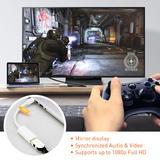
    • Support resolutions up to 1080p (FullHD), no compromise in video quality
    • Compatible with Mac/MacBook with Mini DisplayPort
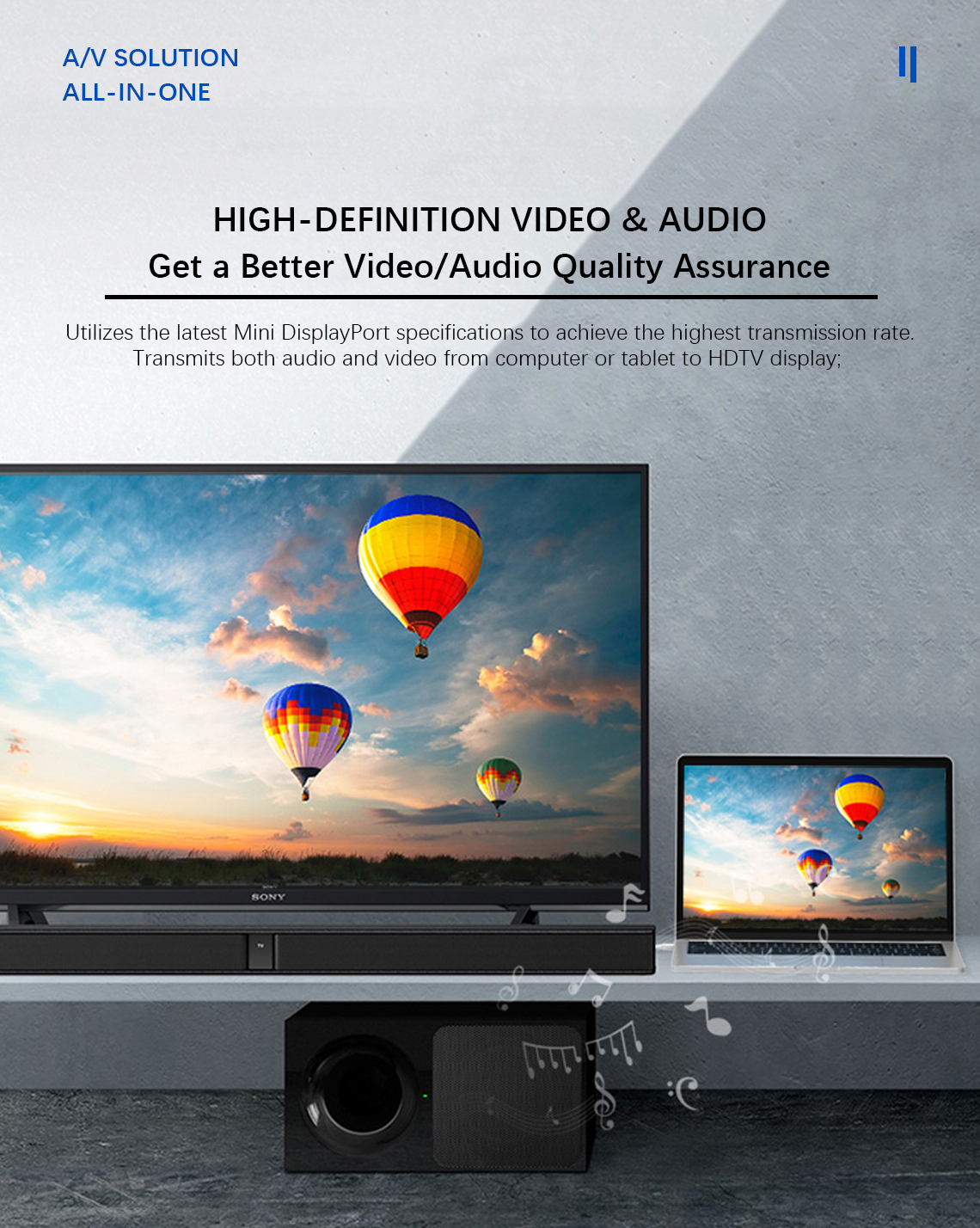
    • Converts audio and video to any device display enabled with HDMI technology
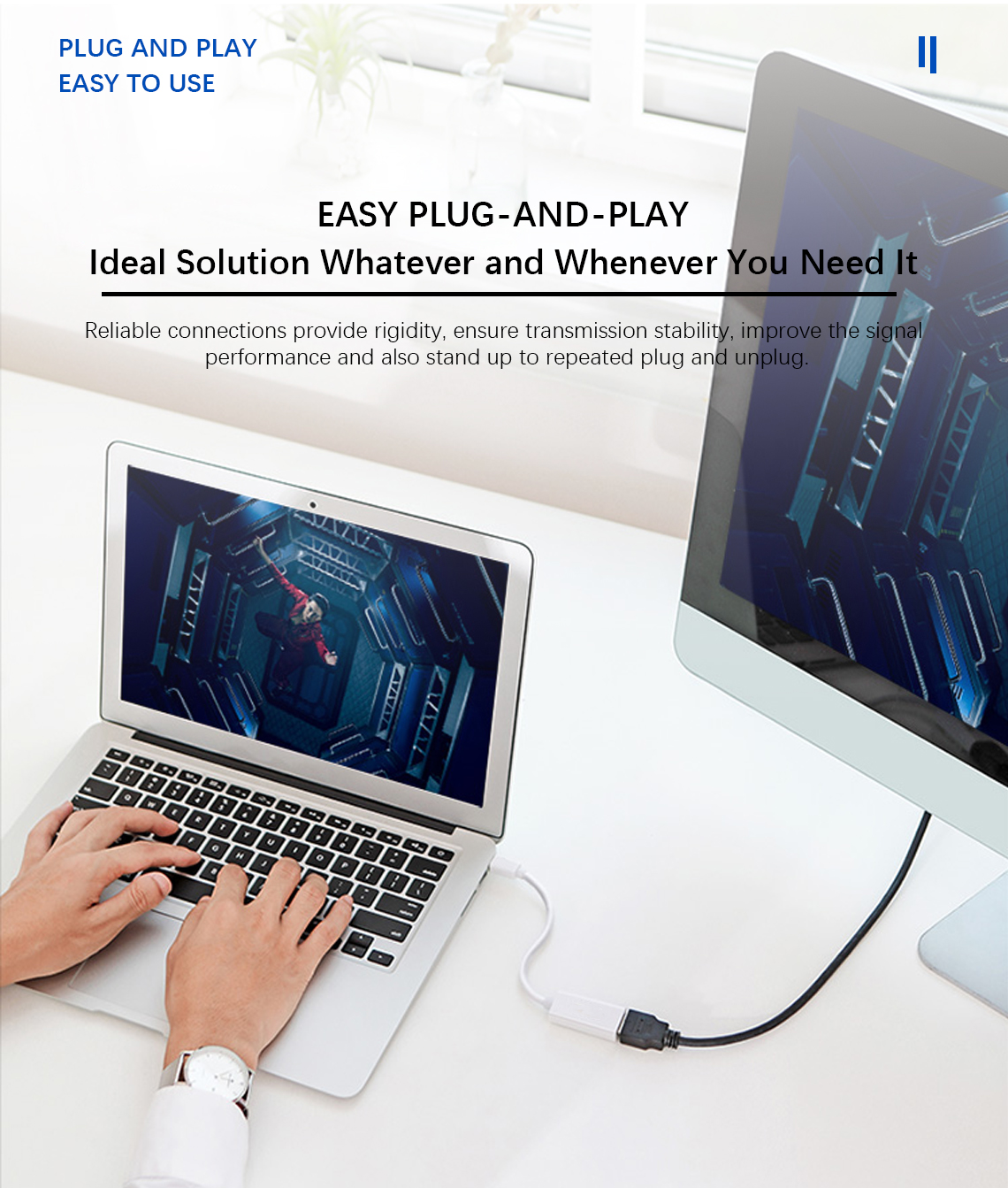
    • Easy plug-and-play function
    • Elegant white color, consistent with your Apple computers

Loading...

Loading...

Mini DisplayPort (Mini DP)  to HDMI Adapter, White

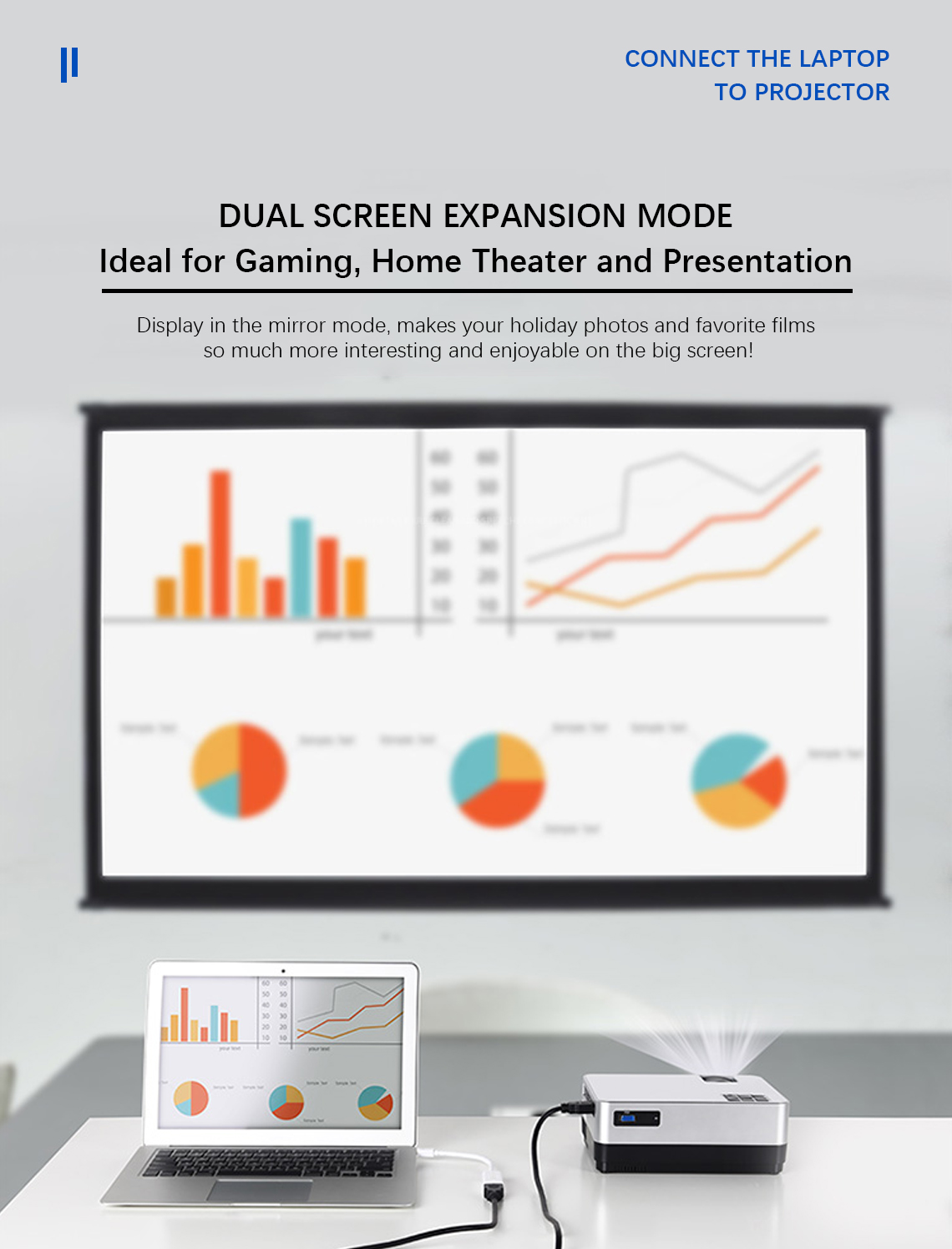
Works beautifully whether you are planning to give presentations, or watch 1080P HD videos with your laptop on a bigger screen.
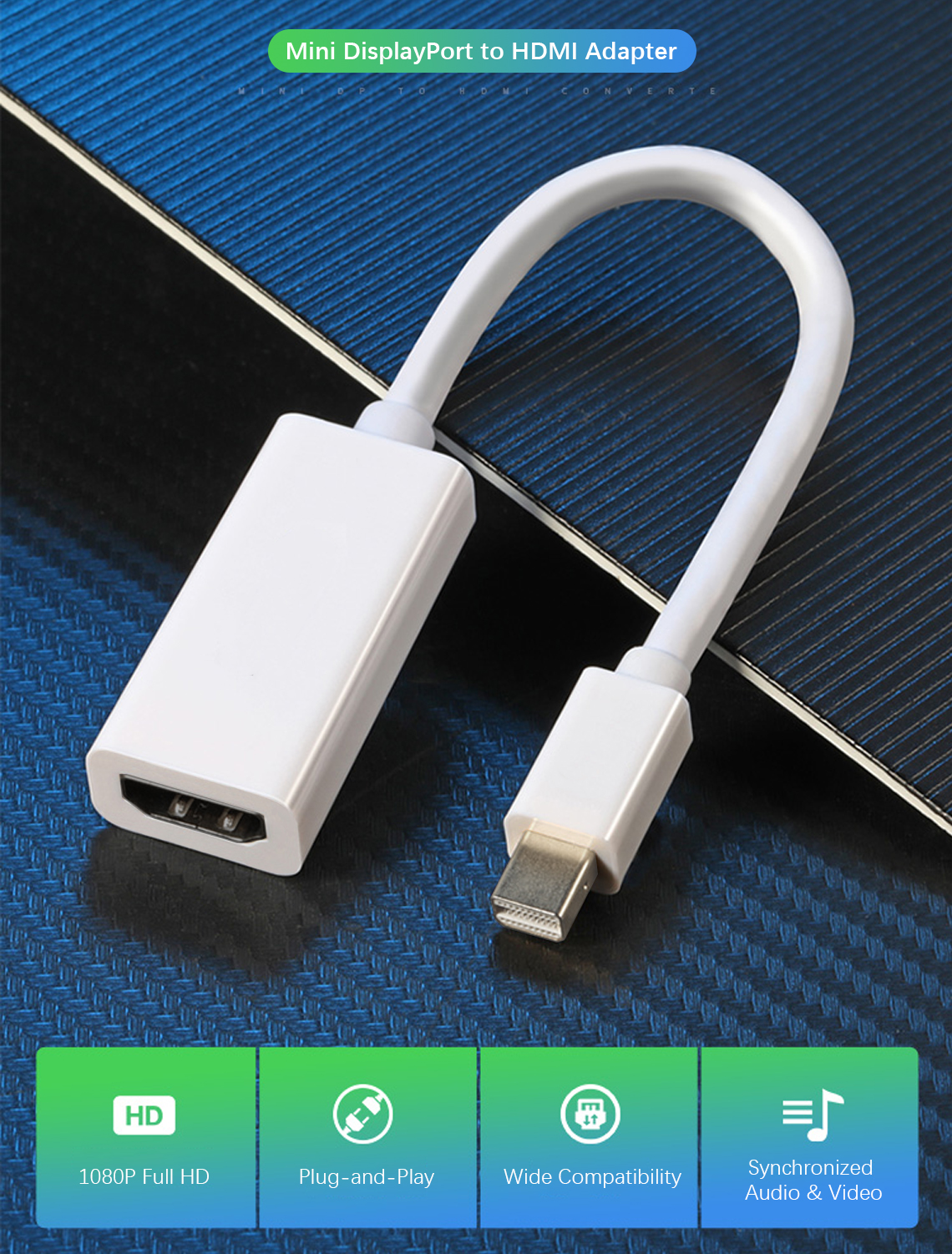
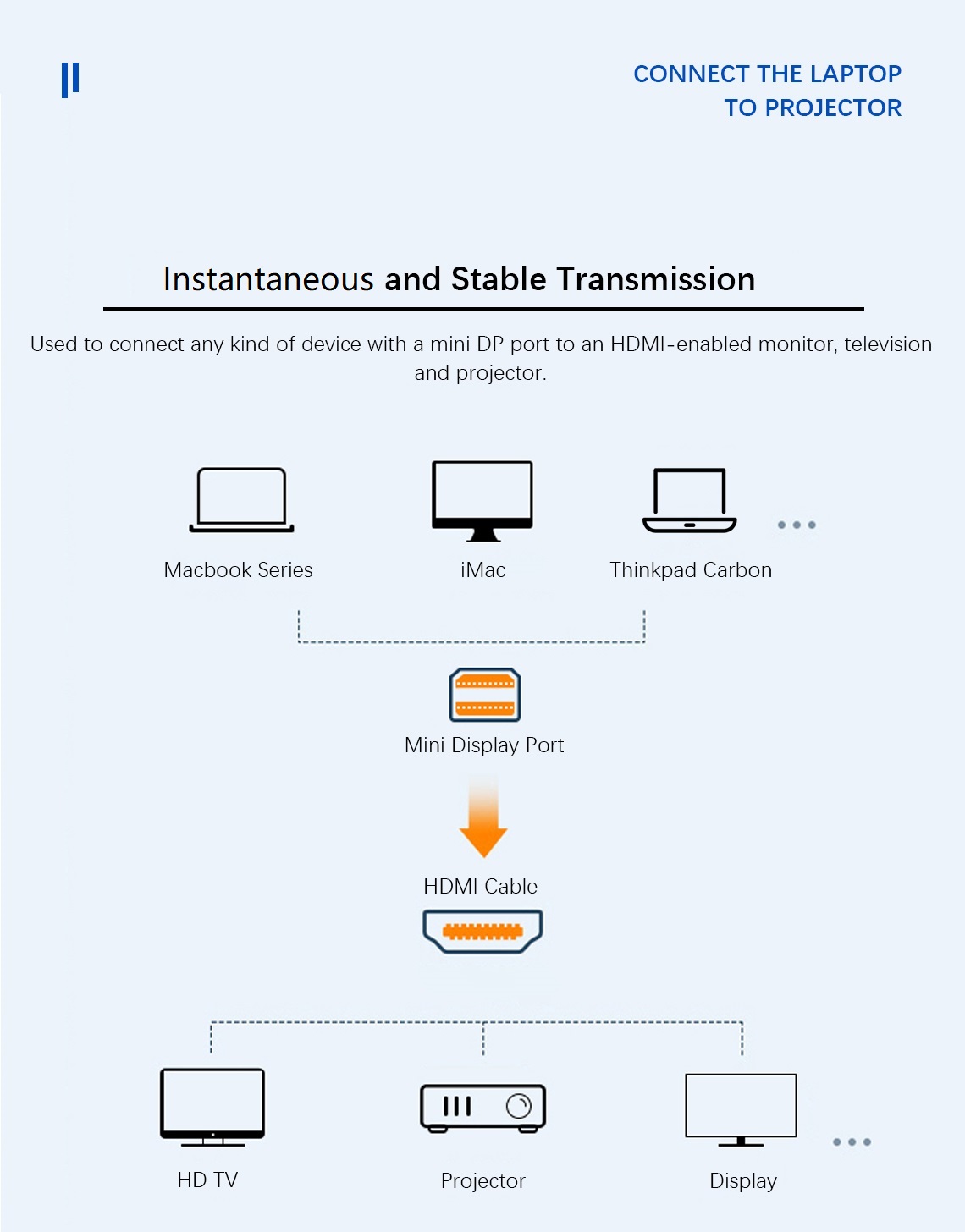
PrimeCables® Mini DisplayPort to HDMI adapter makes a great companion for your Mac, PC or tablet equipped with Mini DisplayPort. This adapter allows you to connect your device to an external display such as high definition monitor, projector or LCD with a HDMI cable (not included). With HDMI, you can now project audio, video or images from your Mac, PC or tablet to your external display.

Features
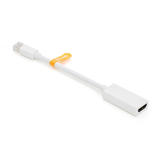
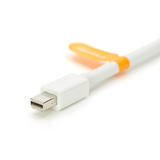
  • Input: Mini DisplayPort (Male) x 1
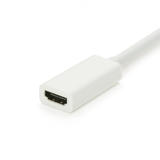
  • Output: HDMI (Female) x 1; a separate HDMI cable is required (not included)
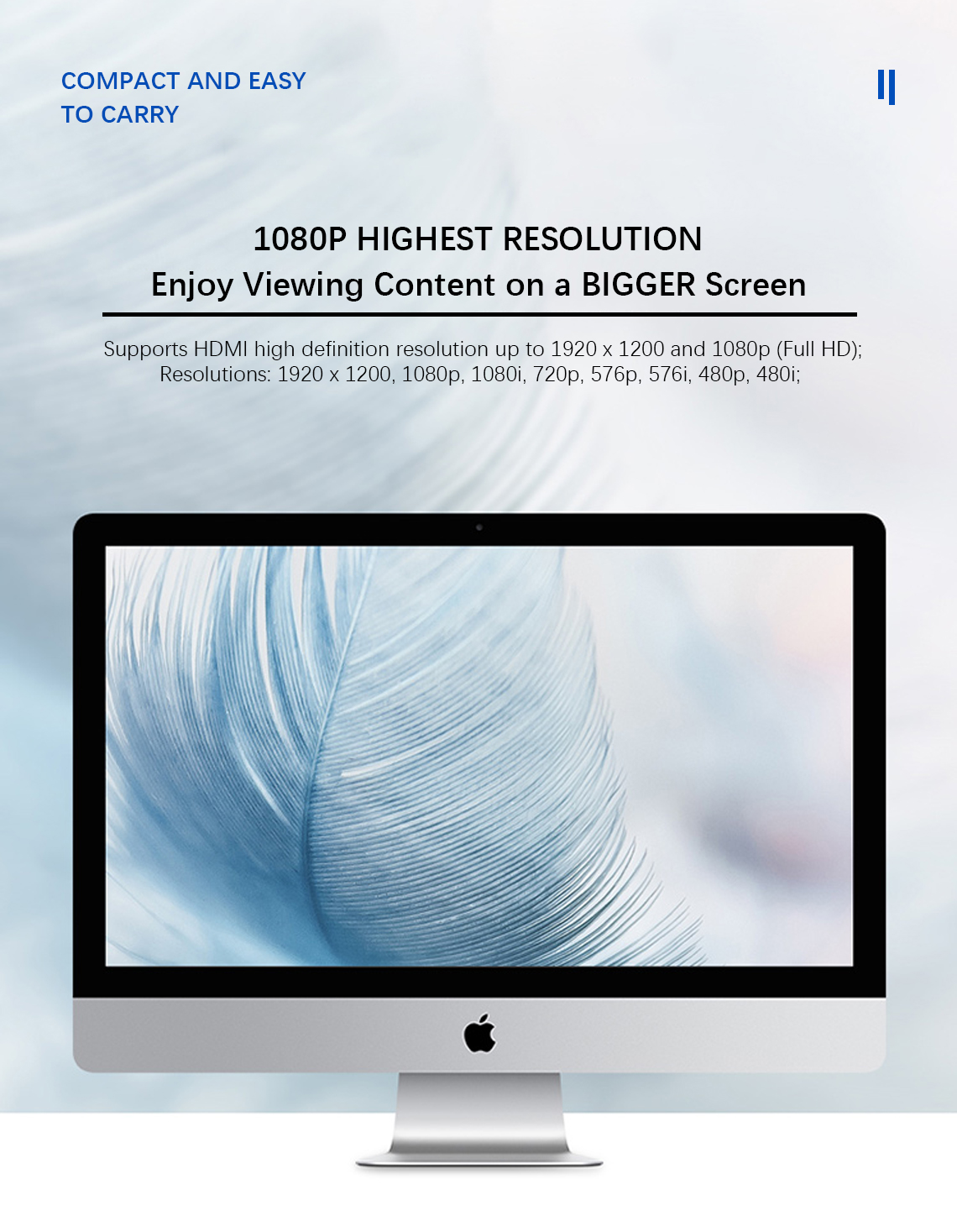
  • Supports HDMI high definition resolution up to 1920x1080p
  • Connects from Mini DisplayPort to HDMI. This is not a bi-directional adapter
  • Support Audio & Video over One Cable

PrimeCables We Make Stronger Cables

Most support to HDMI audio and video synchronization transmission (after April 2010 for the production of computer)

Support mini displayport interface audio output of the Apple model comparison table

Mac mini  

Macbook air

Macbook pro

Specifications

Specifications
  • Connectors:  Mini DisplayPort (male) --> HDMI (female);
  • Compliance: Mini DisplayPort v1.1a compliant;
  • Resolutions: 1920 x 1200, 1080p, 1080i, 720p, 576p, 576i, 480p, 480i; 
Compatibility
  • New Macbooks Pro/Air (April 2010+) with Mini DisplayPort that can support both Audio & Video
  • Macs with Mini DisplayPort (before April 2010 )might just transmit video
Compatibility (Incomplete List)
  • Apple MacBook, MacBook Pro, MacBook Air, iMac, Mac mini, Mac Pro
  • Microsoft Surface Pro/Pro 2/Pro 3 for Windows 8 Pro (NOT Surface/Surface 2 for Windows RT)
  • Lenovo ThinkPad X1 Carbon, X230/240s, L430/440, L530/540, T430/440, T440s, T440p, T530/540p, W530/540, Helix
  • Dell XPS 13/14/15/17, Latitude E7240/E7440, Precision M3800
  • Alienware 14/17/18
  • Acer Aspire R7-571/R7-571G/R7-572/R7-572G/S7-392/V5-122P/V5-552G/V5-552P/V5-552PG/V5-572P/V7-481P/V7-482PG/V7-581/V7-582P
  • Intel NUC
  • Asus Zenbook UX303LA/UX303LN
  • HP Envy 14/17
  • Google Chromebook Pixel
  • Cyberpower Zeusbook Edge X6-100/X6-200
  • Toshiba Satellite Pro S500, Tecra M11/A11/S11
How to Use It
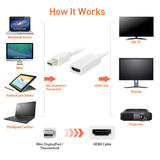
  1. Connect its male port to your computer's Mini DP port;
  2. Connect its female HDMI port to an HDMI cable that goes to your HDTV / monitor / projector. 
Kindly Note
  • This adapter only works with PCs or graphic cards with Mini DisplayPort, please check with your device's output specification prior to placing your order.
  • Apple devices released before April 2010 do not support audio out and will not transmit sound from Mini DisplayPort. Mini DisplayPort that supports both audio and video is only available on Apple devices that are released after April 2010. Please make sure your device is compatible before purchasing this product.
Q&A
Question: What is DisplayPort?
Answer: DisplayPort is a new digital video and audio connection standard designed by the Video Electronics Standards Association (VESA). It is a royalty-free technology designed primarily for the computer industry but also compatible for home theater application.


Question: What''s the difference between DisplayPort and Mini DisplayPort?
Answer: Mini DisplayPort is a more compact version of the orginial DisplayPort connector that was designed by Apple Computers and is found mostly on their newest MacBook laptops.


Question: If your experiencing poor image quality or cropping/clipping of images?
Answer: Under the display preferences in the Mac Os x, then under the options tab you can deselect the overscan option.


Question: My adapter and/or cables are connected to my Mac but I don’t have any picture, even though the Mac recognizes the adapter?
Answer: You may need to adjust the display settings on the Mac before you can see any picture on the tv.
Try the following:
1.) Go into the System Settings
2.) Go into the Display Settings
3.) On one of the Tabs in the Display Settings Window there will be a button on the lower right hand corner that says “Detect Displays”. Click on it.
4.) On one of the other tabs in the Display Settings Window will be a list of different resolutions, such as 1920x1080. Try them all until you find one that works, it can vary from setup to setup depending on the devices.
5.) On some models of Mac’s you can disable the discrete video card. When discrete video is disable the external display does not work. Re-enabling discrete video fixes the issue. To check if it is enabled go into the system settings and it will be under the energy saver options in the upper left hand side.
~ Should that not work ~
6.) Run the graphics and EFI updates.
Some firmware updates for Intel-based Macs may not be displayed automatically using Software Update. If they do not appear in Software Update, they must be manually downloaded from the Apple Downloads site. If you are unsure whether your computer needs a particular update, simply download and open the update installer. The installer will alert you if the firmware update is already installed or not needed.


Question: Why am I not getting any sound? / Why is the sound still playing on computer speakers?
Answer:  Using "Sound" Settings under System Preferences, or using "Audio MIDI Setup" - select the "HDMI Audio Device" as the audio output. This will switch the audio out from the built in speakers to the adapter.


Question: When I connect the mini dvi/mini displayport adapter to my mac my wifi signal drops or completely stops working.
Answer: There are several things that can cause these symptoms. Try the following:
1.) Ensure the adapter is connected and straight, not being bent or angled in any way. Having the Mac on a stand which causes the adapter to hang freely can cause issues as well.
2.) Try swapping the cable connected to the adapter.
3.) Try changing the channel of the wireless signal on your router. It may take several attempts to find one that works for your network. Some that have been reported to work the best are: Channel 1, 5, 6, and 8.

Loading...

Loading...

Loading...

Loading...

Loading...

Loading...